¿Listo para implementarlo en tu Odoo?
Agenda una demo o habla con un consultor y resuelve tus dudas antes de comprar. Instalación, configuración y soporte incluidos.

Enlace Facturas con Notas Crédito y Débito — Odoo 20
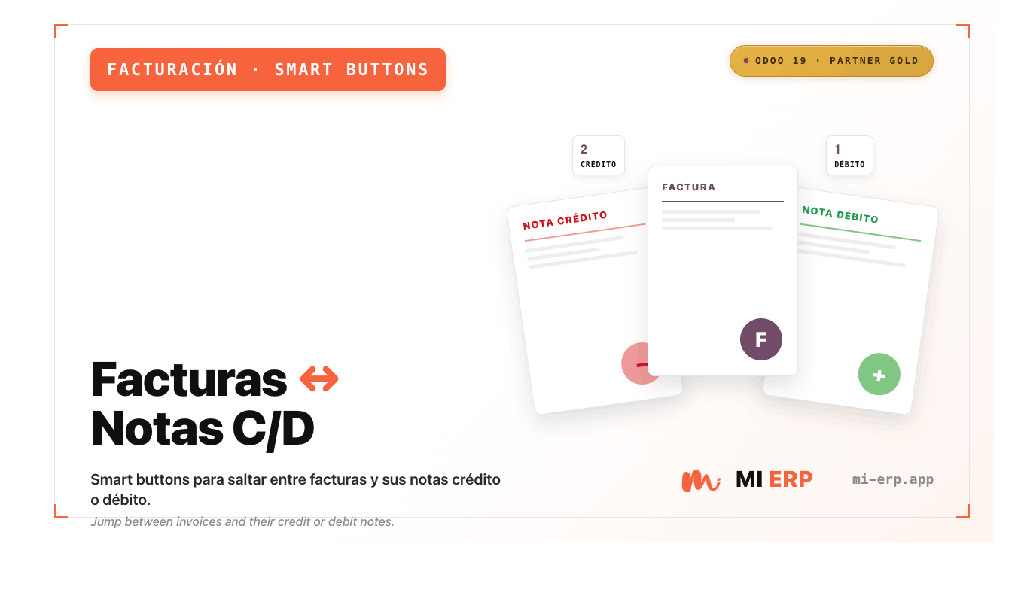
Smart buttons para navegar entre facturas y sus notas de crédito / débito
Descripción
El módulo Enlace Facturas con Notas Crédito y Débito para Odoo 20 añade smart buttons (botones inteligentes) en el formulario de facturas de cliente, notas de crédito y notas de débito, permitiendo navegar de forma rápida y directa entre los documentos relacionados.
Al instalar este módulo, desde una factura de cliente podrás ver el conteo de notas de crédito asociadas y acceder a ellas con un solo clic. Desde una nota de crédito o débito, podrás regresar inmediatamente a la factura origen sin necesidad de búsquedas manuales.
Funcionalidades
Smart Button: Notas Crédito
- Visible en facturas de cliente (
out_invoice) - Muestra el número de notas crédito asociadas
- Un clic abre la lista filtrada de notas crédito
- Se oculta automáticamente si no hay notas crédito
Factura Origen desde Nota Crédito
- Visible en notas de crédito (
out_refund) - Muestra el número de la factura origen
- Un clic navega directamente a la factura
- Usa el vínculo
reversed_entry_id
Factura Origen desde Nota Débito
- Visible en notas de débito generadas
- Muestra el número de la factura origen
- Un clic navega directamente a la factura
- Usa el vínculo
debit_origin_id
Cero Configuración
- Instala y listo, sin pasos adicionales
- No requiere ajustes ni parámetros
- Compatible con flujos existentes
- No modifica datos, solo añade navegación
¿Cómo se usa?
Desde una Factura de Cliente
- Abre cualquier factura de cliente publicada.
- Si tiene notas de crédito relacionadas, verás el smart button "Notas Crédito" con el conteo.
- Haz clic para ver la lista completa de notas de crédito asociadas.
Desde una Nota de Crédito
- Abre cualquier nota de crédito generada a partir de una factura.
- Verás el smart button "Factura origen" con el número de la factura.
- Haz clic y serás redirigido a la factura original.
Desde una Nota de Débito
- Abre cualquier nota de débito generada con el módulo
account_debit_note. - Verás el smart button "Factura origen" con el número de la factura.
- Haz clic y serás redirigido a la factura original.
Capturas de Pantalla
Smart Button "Notas Crédito" en la factura

Smart Button "Factura origen" en la nota de crédito

Detalles Técnicos
- Extiende el modelo
account.movecon un campo computadoreversal_move_count. - Añade dos acciones:
action_view_reversal_movesyaction_view_source_move. - Hereda la vista
account.view_move_formpara inyectar los smart buttons en elbutton_box. - No modifica datos existentes, solo añade elementos de navegación.
- Compatible con Odoo 20 Enterprise y Community.
account y account_debit_note (módulo oficial Odoo para notas de débito).
Requisitos
Módulos Odoo
- Contabilidad (
account) - Notas de Débito (
account_debit_note)
Versiones soportadas
- Odoo 20 Community
- Odoo 20 Enterprise


Contáctanos
Obtendrás asistencia gratuita durante 60 días por cualquier error o problema.
Para consultas o soporte: [email protected]